v2 is here: Introducing New Shape "Stellar Streams", Enhanced Lighting & More!
v2.0 Is Here!
This update brings a whole new way to experience your music; with Stellar Streams, enhanced lighting, richer galaxy detail, and much more. Here’s what’s new:
New Galaxy Shape: Stellar Streams
- Explore Stellar Streams, a shape with intertwined flowing ribbons and a reactive core.
- Introducing "Core Strikes" in Special Events to send glowing strikes from the core and trigger sparkling explosions along the streams. Available only with Stellar Streams as of release.
- Use new controls to determine how strikes should react
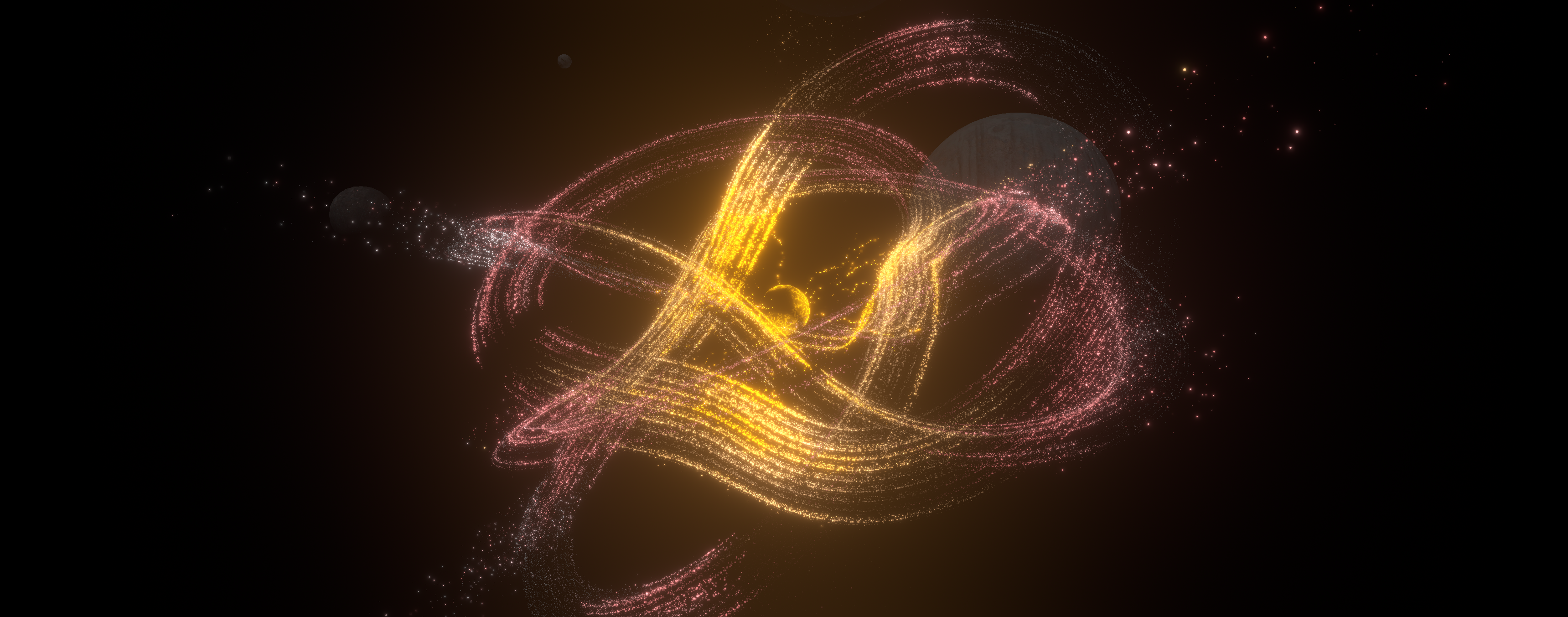
Note: Each new shape brings its own way of responding to your music. Just as "Atom" introduced its reactive core, "Stellar Streams" adds flowing ribbons, core strikes, and bursts along the streams, each designed to give the music a different visual expression. The new shape especially works well with tracks that have distinct bass hits and crisp highs. Took a lot of time making this feel truly unique, and I hope that comes through in the result. Excited to hear what you think!
Enhanced Lighting: A New Glow
- Experience richer sun rays and smoother bloom, bringing more depth and atmosphere to your galaxy.
- Enable High Precision Lighting in App Settings for improved highlight detail and color fidelity. It’s automatically enabled on Ultra and can also be enabled at other quality levels.
Note: Try it in Sunset mode or with the Atom shape setting a darker core color, close to black, turning up bloom. In general mixing dark colors with brighter ones can lead to great results.
Richer scenes and smoother playback
- New Camera Mode: Enjoy a slow sunrise and sunset in the new Sunset camera mode.
- Shooting stars now travel through the scene with tapered trails and a sparkling wake; planets gain subtle surface detail on High and Ultra quality.
- Atom has a slower core and stronger branch alignment.
- Particle controls now support one million particles on High and Ultra settings increased by 500k, with 500k as the new default. Note: More is not always the prettiest, you still might want to try out fewer particles to give it the look youre looking for.
A nebula around your galaxy
- Choose from seven nebula backdrops in Galaxy Controls under Surroundings, including violet clouds, icy filaments, emerald wisps, crimson arcs and silver dust. Adjust brightness and orientation.
- Layered clouds surround the scene and reveal subtle depth as the camera moves. Save the backdrop with your personal visual presets.
- Apply an optional color filter to any backdrop, with adjustable color and strength.
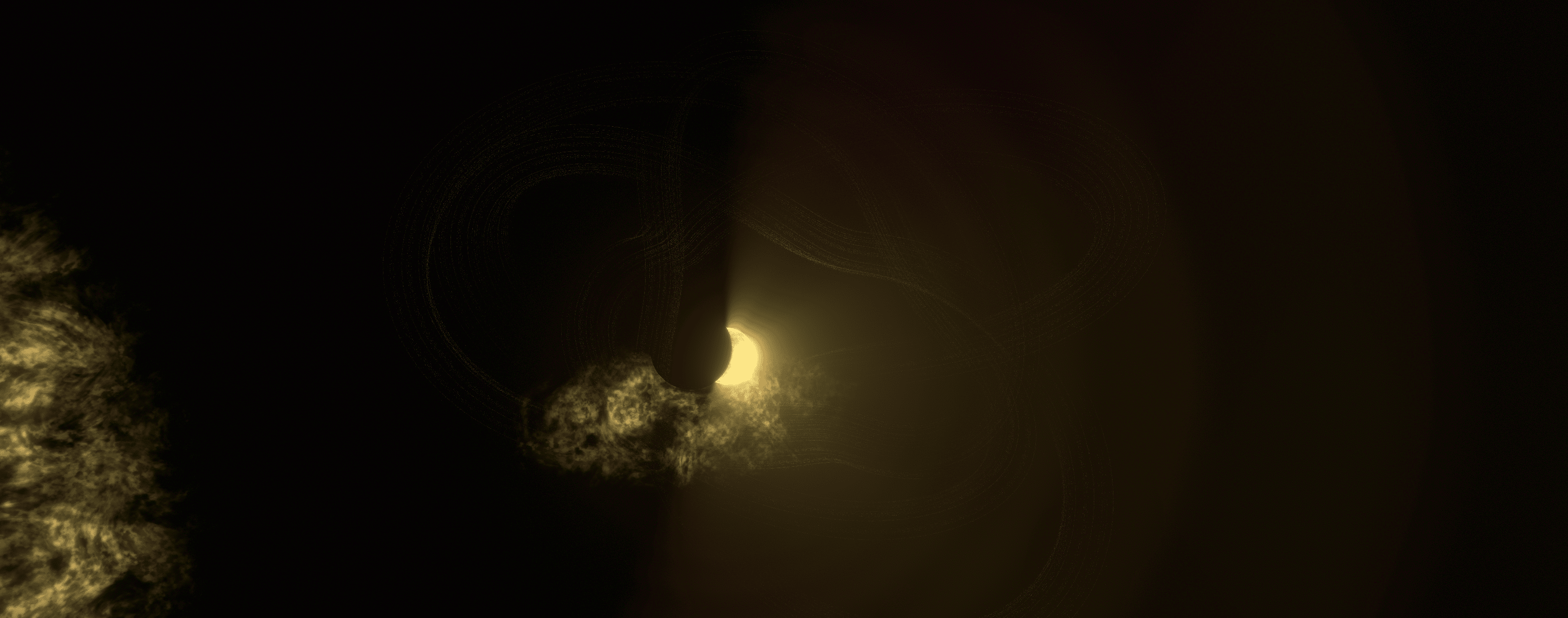
Note: This is also as preparation for user customized backdrops
Minor Improvements & Fixes
- Pause or resume from the tray menu or by pressing P. Pausing stops scene rendering and system-audio analysis, freeing up resources for other tasks. Especially useful on less powerful PCs.
- Fixed a bug where wallpaper mode wasn’t working on less powerful PCs.
- Clearer tooltips: Hover tooltips now match your interface theme, with more readable text and improved sizing to avoid awkward wrapping and unnecessary scrollbars.
Additionally: New introduction Trailer to showcase all shapes and some different settings.
Whats next
The next major update will focus on Steam Workshop support, so you can share your own galaxy creations and discover and download those made by other players!
A kind request
Enjoying Galaxy Audio Visualizer? If you haven’t already, leaving a Steam review would be greatly appreciated and helps support the app.
Feel free to use the discussion board to report bugs, provide feedback or feature requests!
Posted by the game’s developer or publisher to its Steam community hub and published by Valve through Steam’s public news API. Sifter reproduces it unedited and writes none of it.