
About this game
The developer's description, from the game's Steam store page.
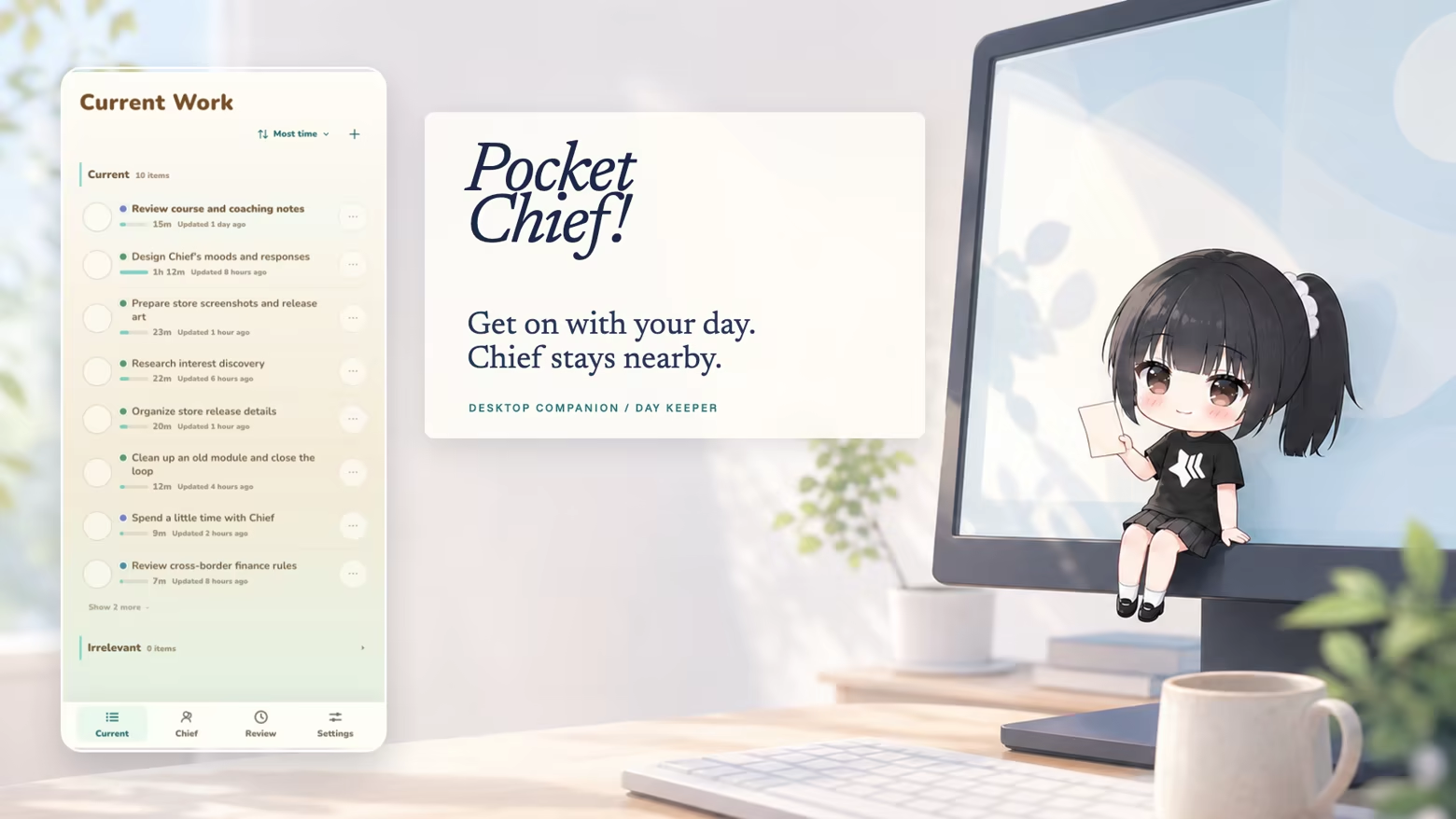
Get on with your day
Pocket Chief! lives in the corner of your desktop. She remembers what you’ve been working on and gathers it into Current Work. Come back later to keep an item, mark it done, or ignore it.
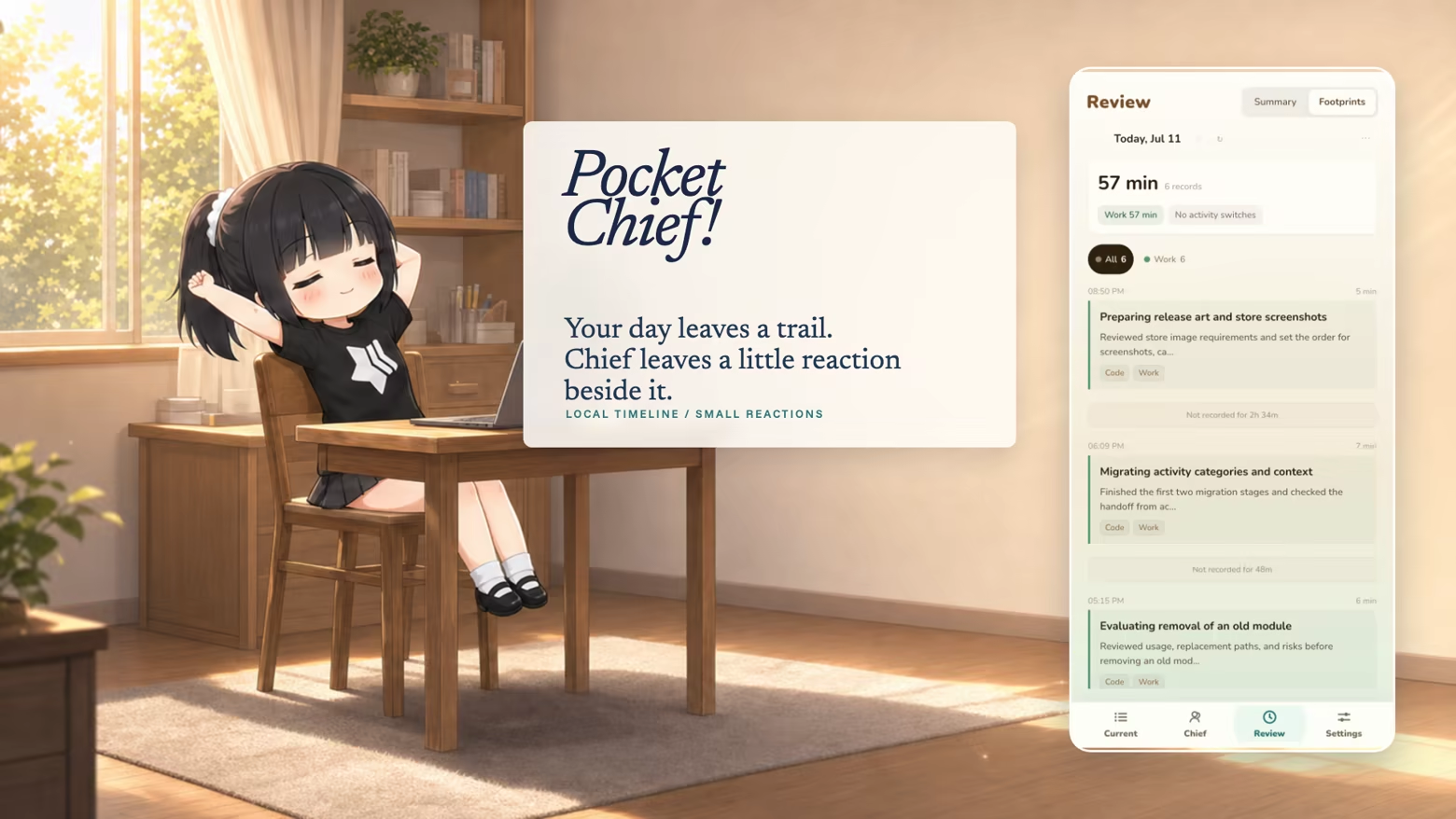
See where the day went
The timeline puts your day in order, so the thing you left half-finished earlier is easy to find. Chief sometimes adds a comment of her own.
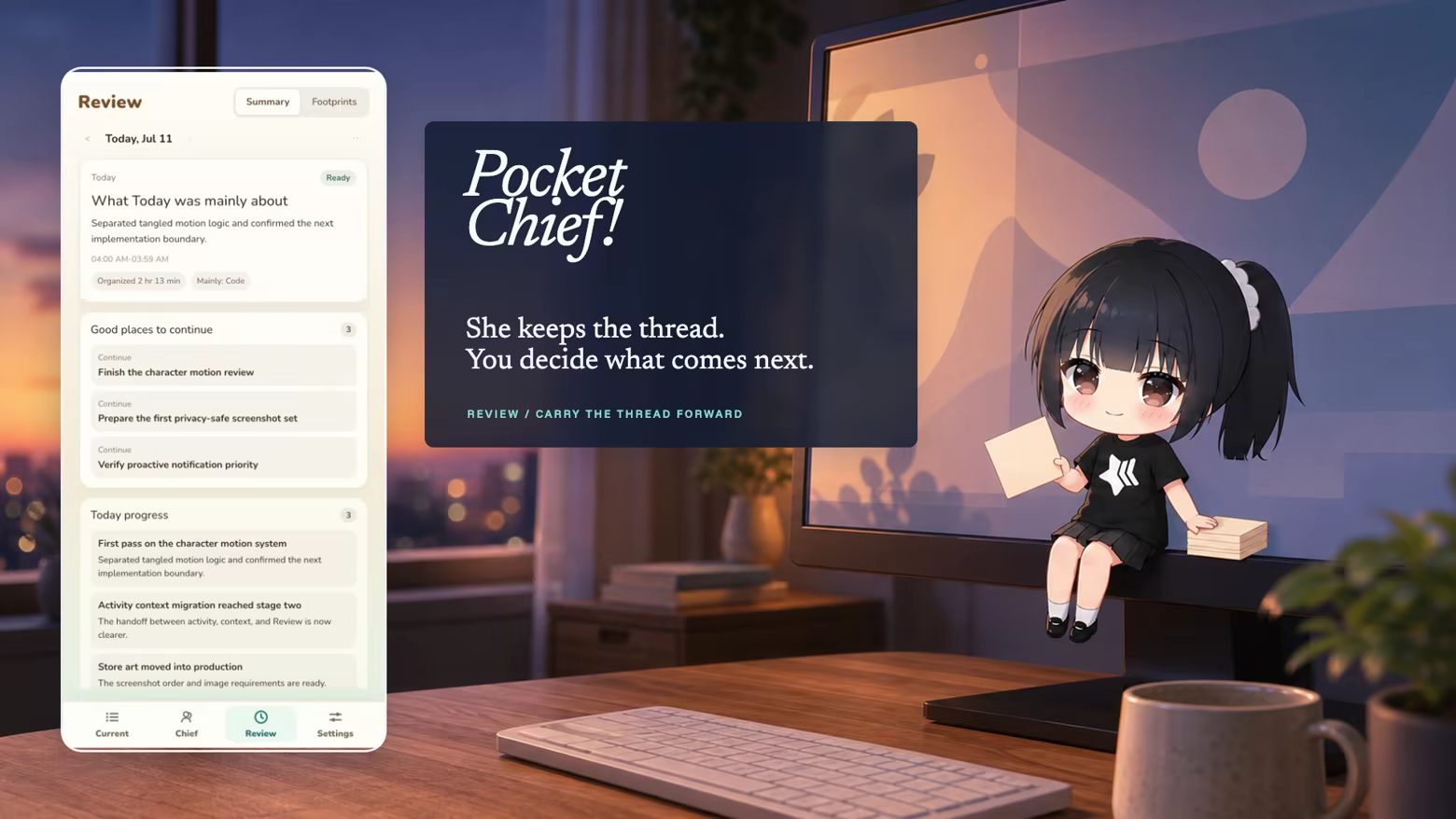
Check in before you finish
The daily review puts finished work and loose ends on the same page. Choose anything you want to pick up tomorrow.
Or just talk to her
Talk to Chief from the edge of your desktop. Your conversations stay with the rest of that day's record. Her tone and reactions change as you spend more time together.

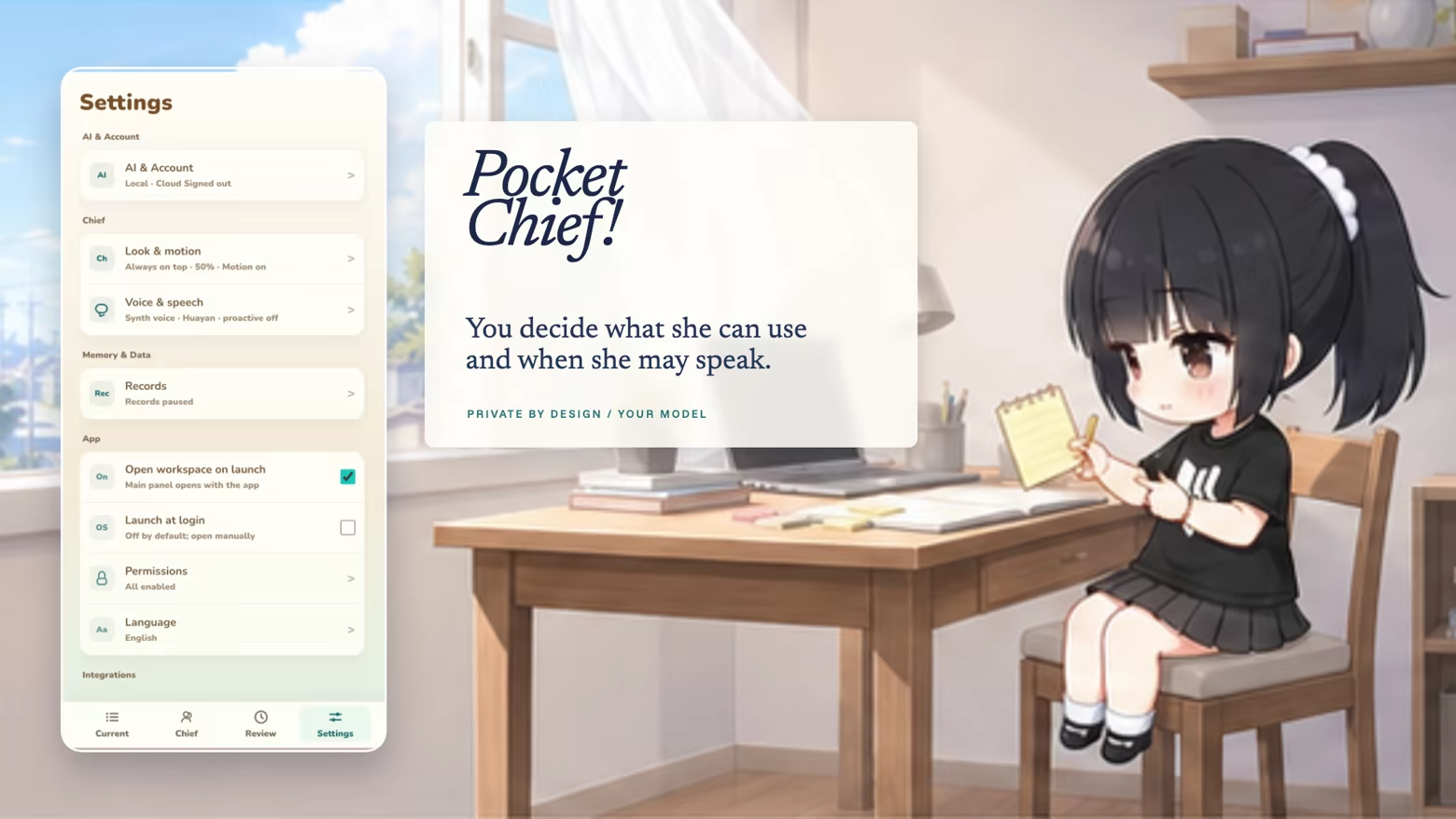
Pause records at any time
To start using Pocket Chief, you'll first set up Activity. After that, you can pause new records at any time. Raw screenshots are processed on this computer and are not uploaded. You sign in to Pocket Chief Cloud with your Steam account. Pocket Chief Cloud provides the AI features and receives only the context needed for each request.
System requirements
As Steam lists them.
Windows
Minimum
- Requires a 64-bit processor and operating system
- OS
- Windows 10 / Windows 11, 64-bit
- Processor
- 64-bit x86 processor
- Memory
- 4096 MB RAM
- Graphics
- Integrated graphics
- Storage
- 2048 MB available space
- Sound Card
- Default audio device
Recommended
- Requires a 64-bit processor and operating system
macOS
Minimum
- Requires an Apple processor
- OS
- macOS 13 or later
- Processor
- Apple Silicon (M1 or newer)
- Memory
- 4096 MB RAM
- Graphics
- Apple Silicon integrated graphics
- Storage
- 2048 MB available space
- Sound Card
- Default audio device
- Additional Notes
- Intel Mac is not supported. Screen Recording permission is required. Microphone and Accessibility permissions are optional.
Recommended
- Requires an Apple processor